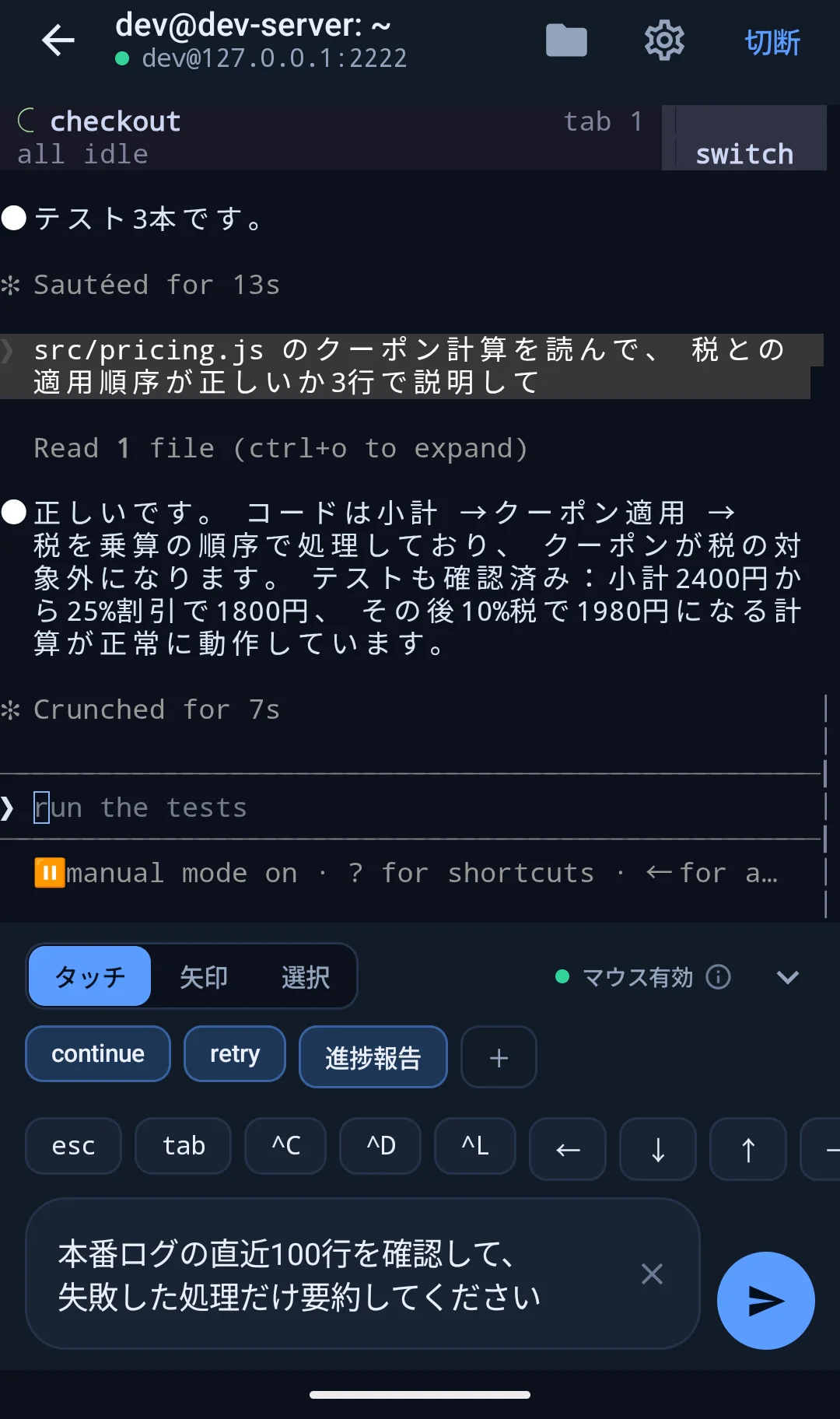
Multiline input
Edit a full instructionbefore sending it.
Compose, revise, paste, or dictate in a dedicated field, then send the completed text to the terminal.
JP SSH connects to your own SSH server so you can operate Claude Code or Codex from your phone. It supports multiline input and direct touch controls for terminal interfaces.
Coming to Google Play and the App Store
Multiline input
Compose, revise, paste, or dictate in a dedicated field, then send the completed text to the terminal.
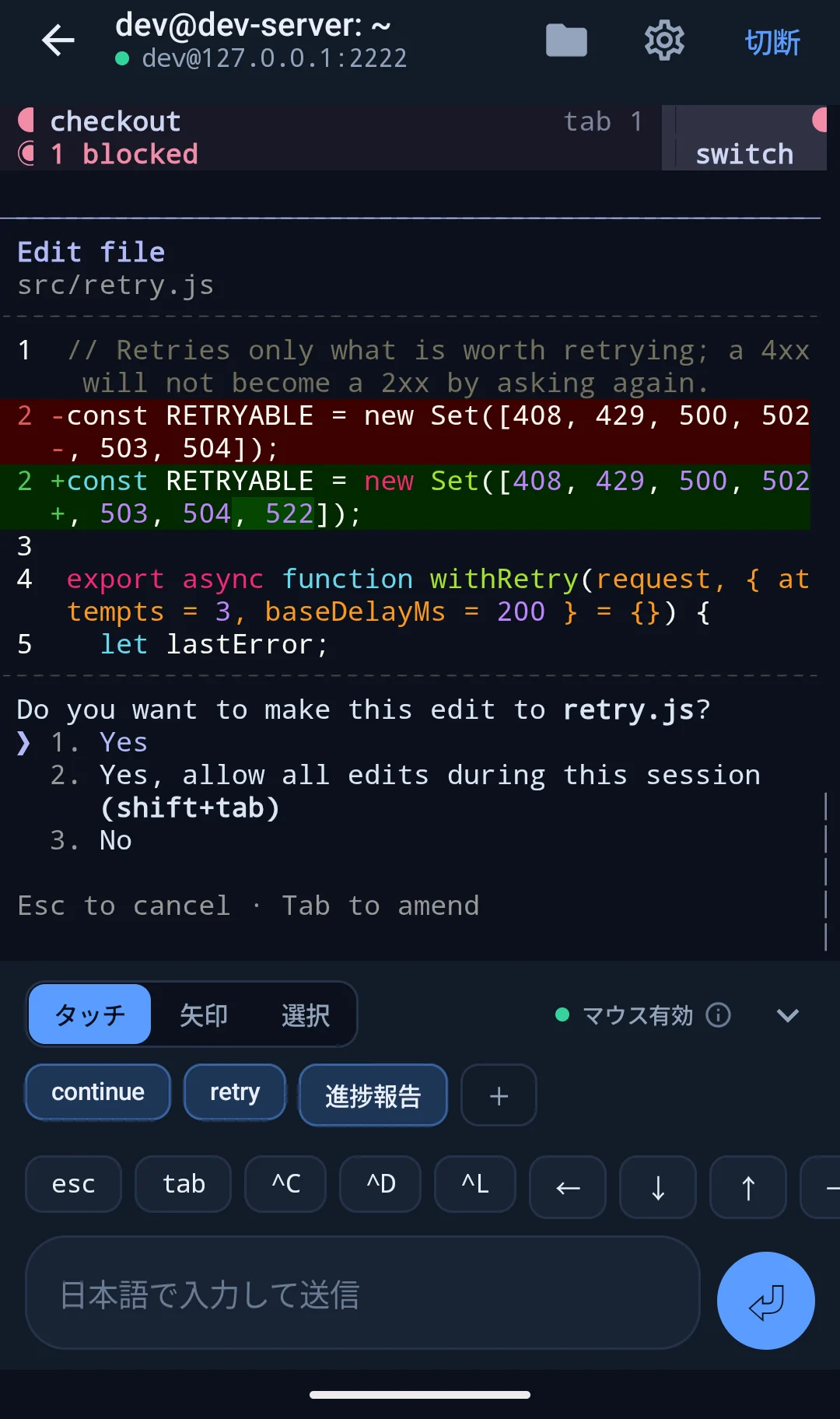
Touch controls
Select menus in Claude Code and Codex directly on screen. Switch between terminal touch, scrolling, and text selection as needed.
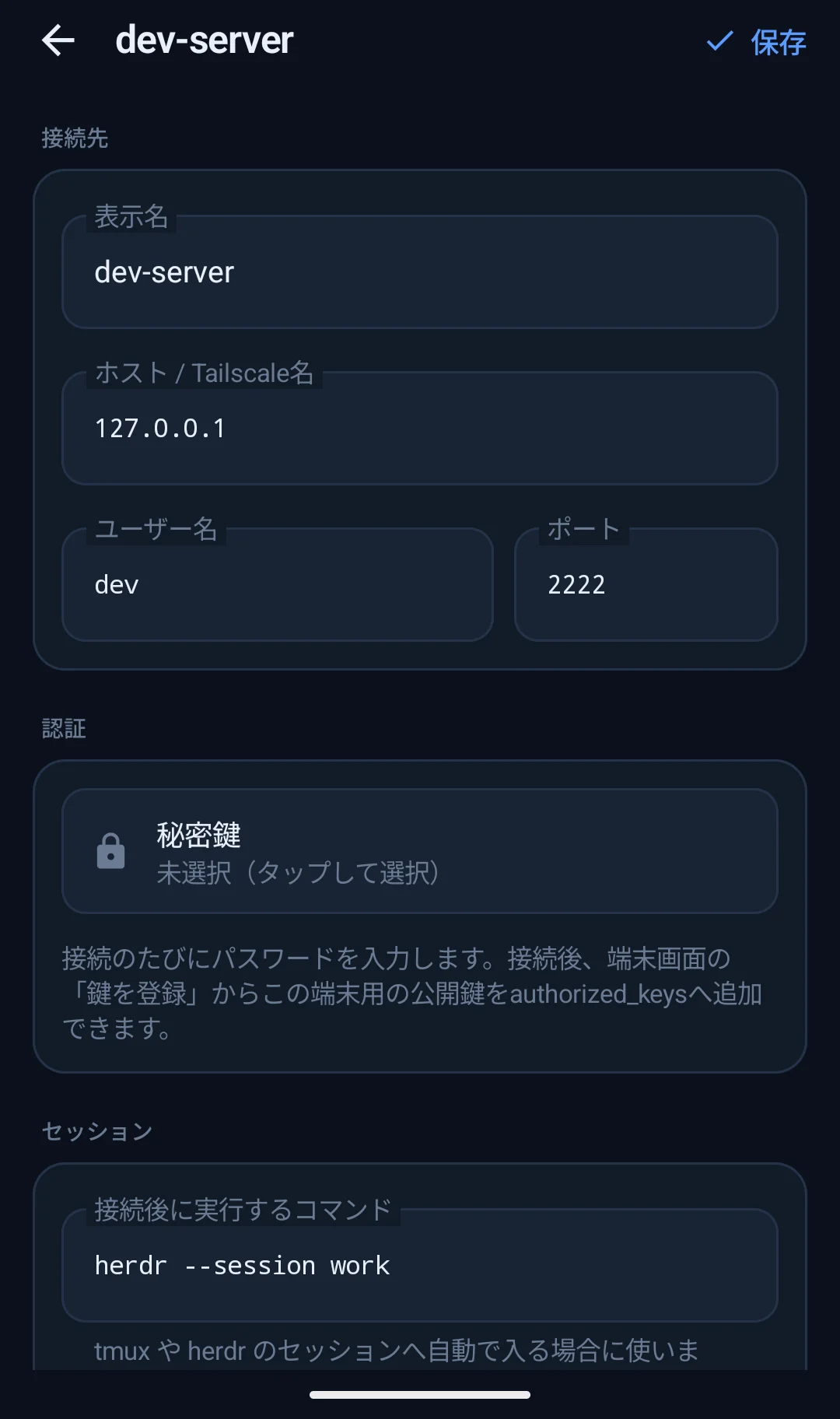
Open your session
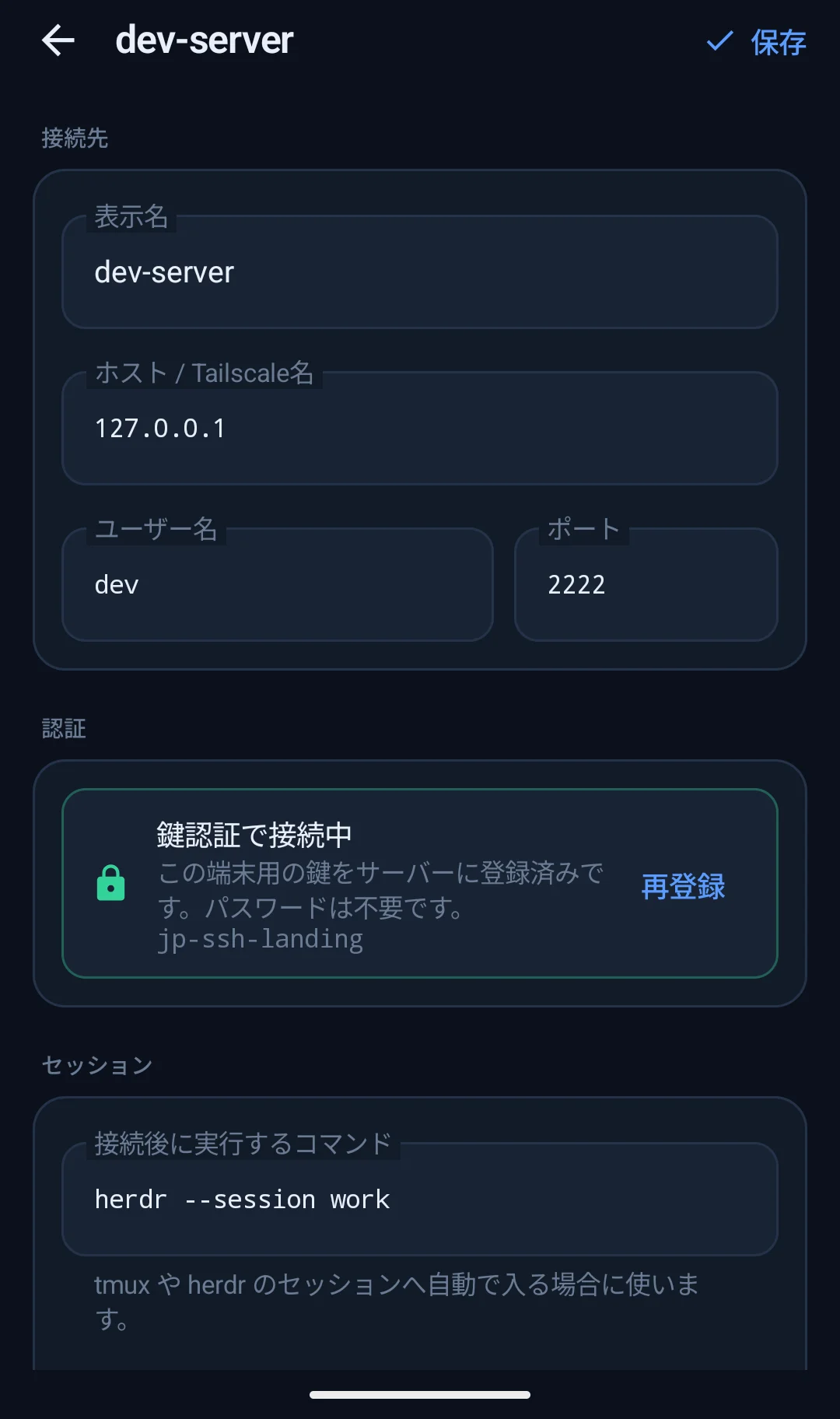
Choose what opens after login for each host. You can return to your tmux or herdr workspace without entering the same command every time.
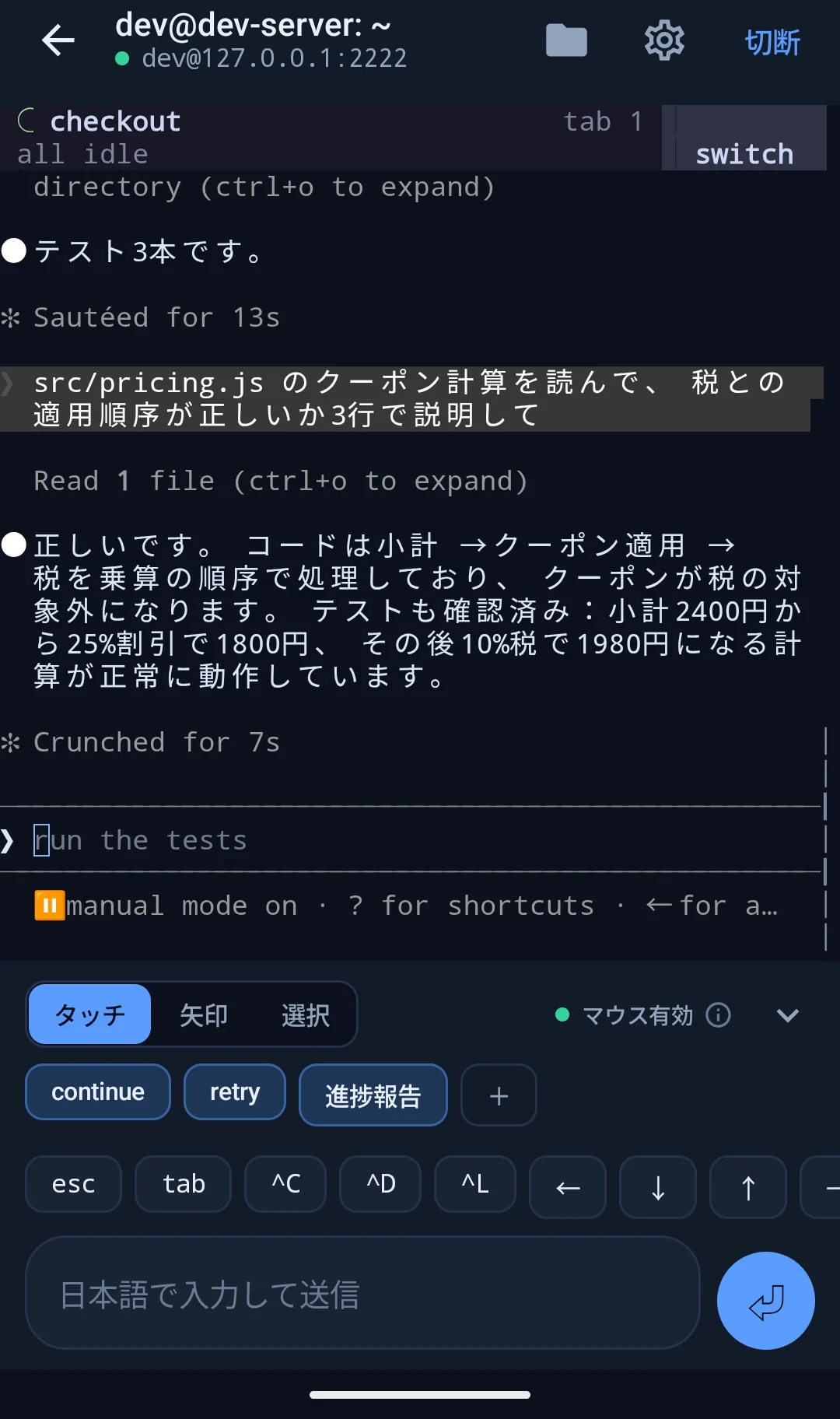
Background connection
Open another app and return to continue from the same session. If the connection drops, JP SSH reconnects and restores what was on screen.
What you need
JP SSH requires Android 8 or later, or iOS 17 or later, and a reachable SSH server.
JP SSH is a client. You provide the server and the tools running on it. Browsing remote files over SFTP and switching between several sessions are supported. Port forwarding is not.
Security
JP SSH has no relay service or cloud account. SSH traffic connects directly to the server you specify.
Pricing
No subscription, advertising, in-app purchases, or account registration.
Coming to Google Play and the App Store
FAQ
Yes. JP SSH is a client and does not provide a server or cloud compute environment.
No. It connects to command-line tools already installed on a server you manage.
No guarantee is possible. On Android the app keeps the connection alive, though network interruptions and power settings can still end it. On iOS the system suspends the app, so a session left in the background disconnects and is reconnected when you return. Keep work you cannot lose in tmux or herdr on the server.
Passwords and private-key passphrases are not stored. Keys generated by the app stay in app-private storage and are excluded from cloud backup.
Yes. You can browse and preview remote files over SFTP, and keep several sessions open and switch between them.